
Several stations, one streamer
Each stream is its own station with its own Icecast target, music folders, categories, rotation, schedule and history. Switch between them with tabs.

Coming Soon
Radio automation software
mycast247 rotates your music library to your Icecast server around the clock, with weighted categories, clockwheels, scheduled playlists and crossfades. Run several stations from one mycast247 streamer and manage them from a browser on any device.
Set up your rotation once, then leave it playing.
Each stream is its own station with its own Icecast target, music folders, categories, rotation, schedule and history. Switch between them with tabs.

A-list, B-list, jingles, sweepers, station IDs, or any category you add, each with its own weight. Play a category every N songs or after every song.

Define sequences of categories and assign them to times of day and days of the week. Outside any daypart, the weighted rotation takes over.

Play a fixed playlist at a time of day, either after the current track ends or interrupting it. Queue any track to play next.

Track repeat protection plus artist and album separation. Jingles and IDs can be exempt, so they are never held back and never block a song.

Smooth crossfades, direct Icecast SOURCE streaming with automatic reconnect, and now-playing metadata for your listeners' players.

A web UI that connects to your streamer by address, from the Windows tray app on the same machine or from a browser on your desktop or phone.

Run the streamer on your own PC, or on a Linux VPS under systemd next to your Icecast server. Access is protected by a password sign-in.
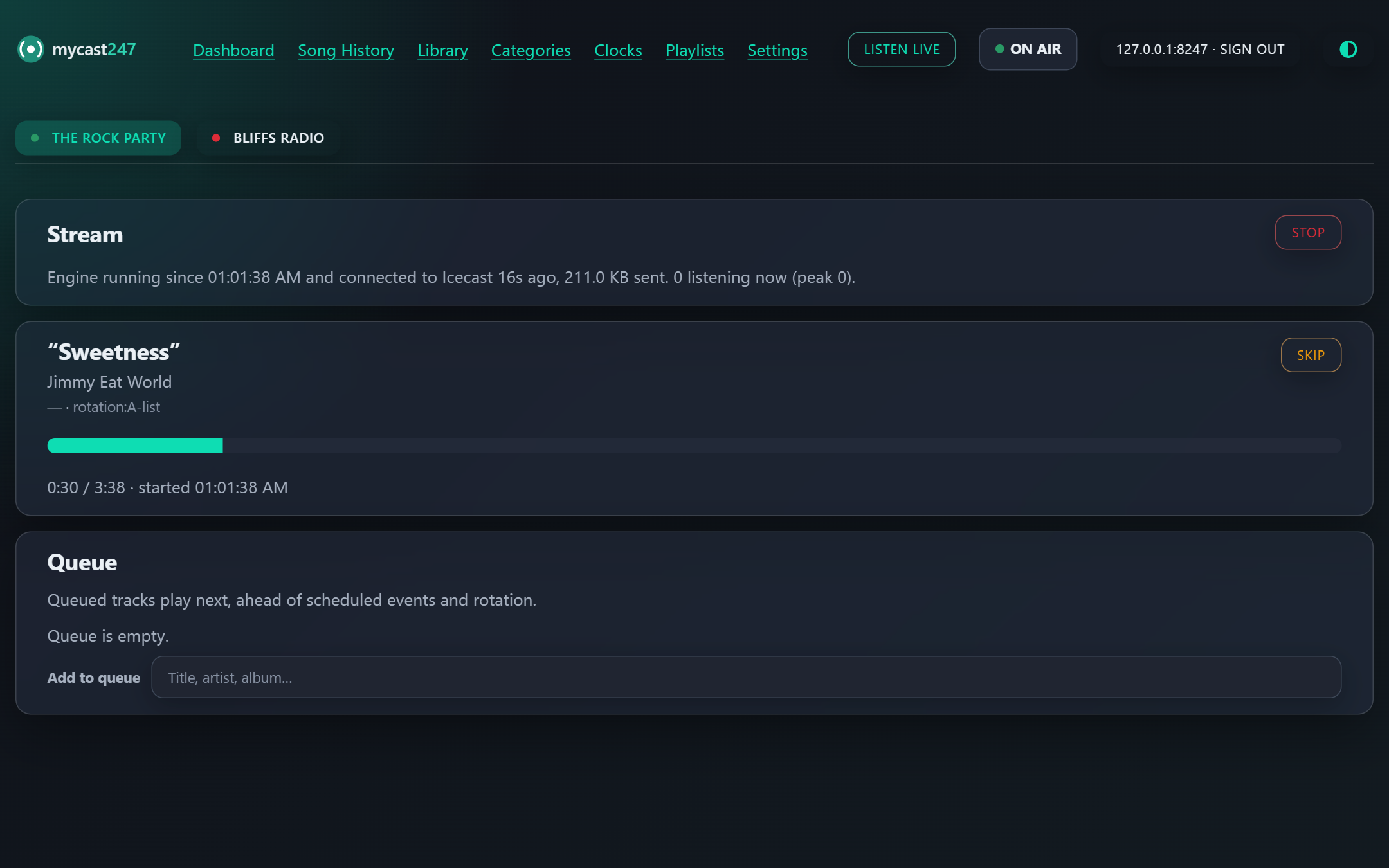
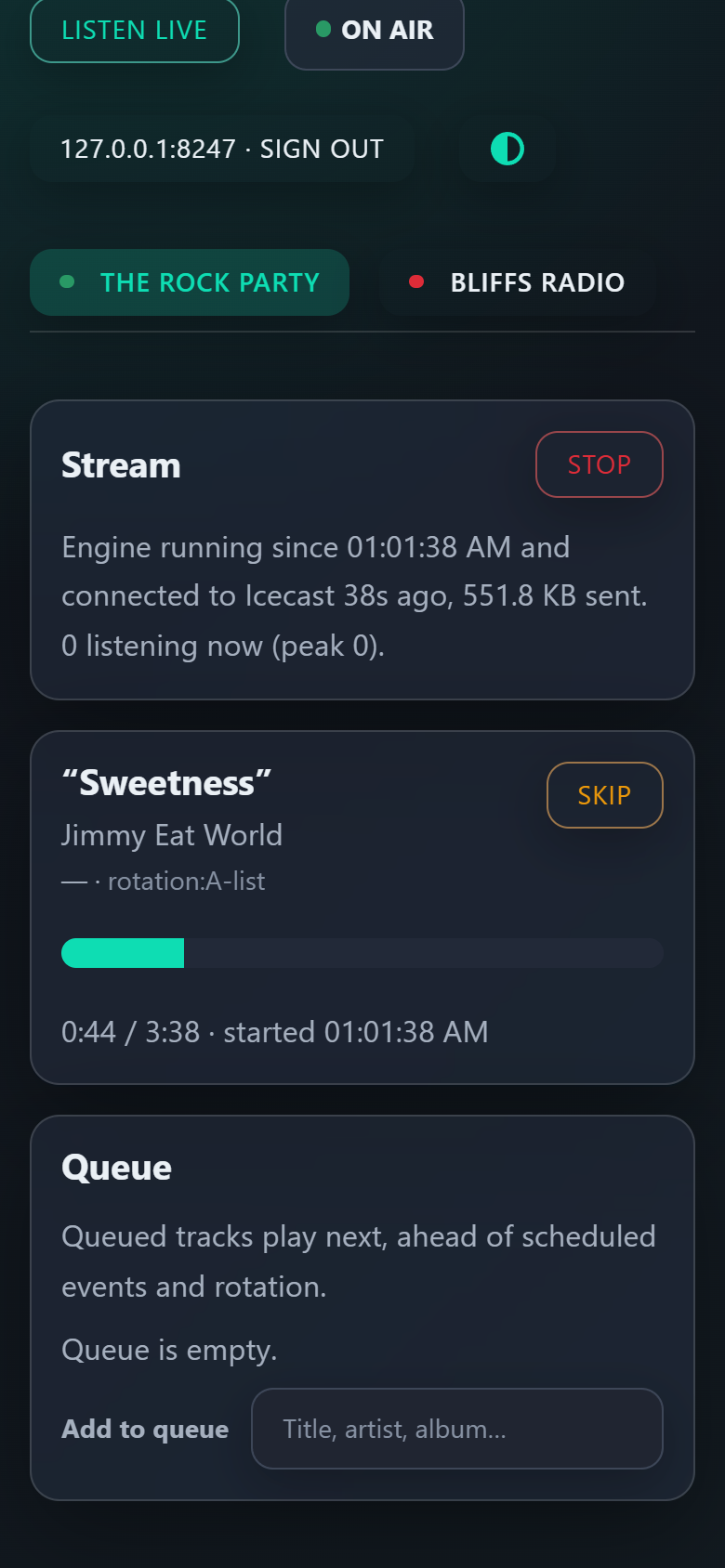
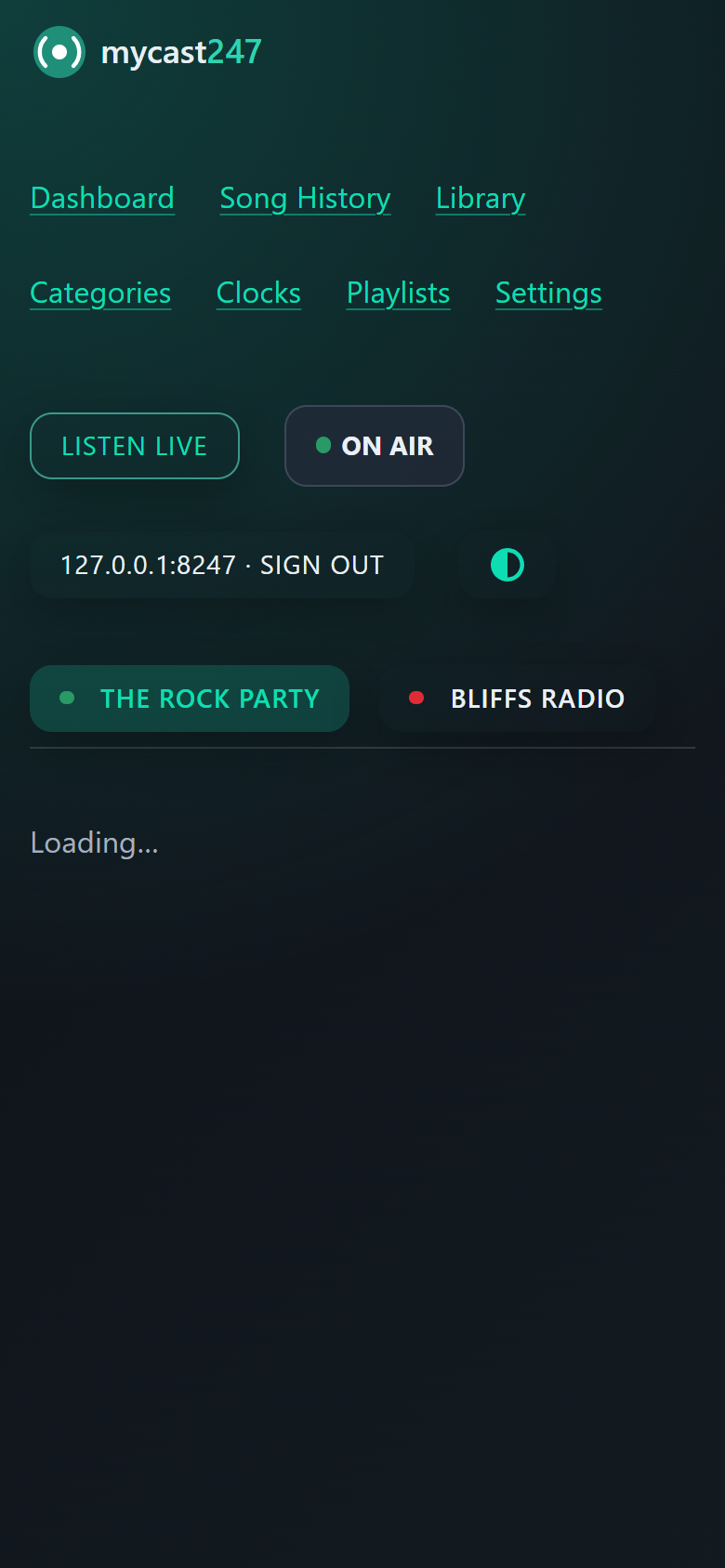
Real screens from a mycast247 streamer running two stations.
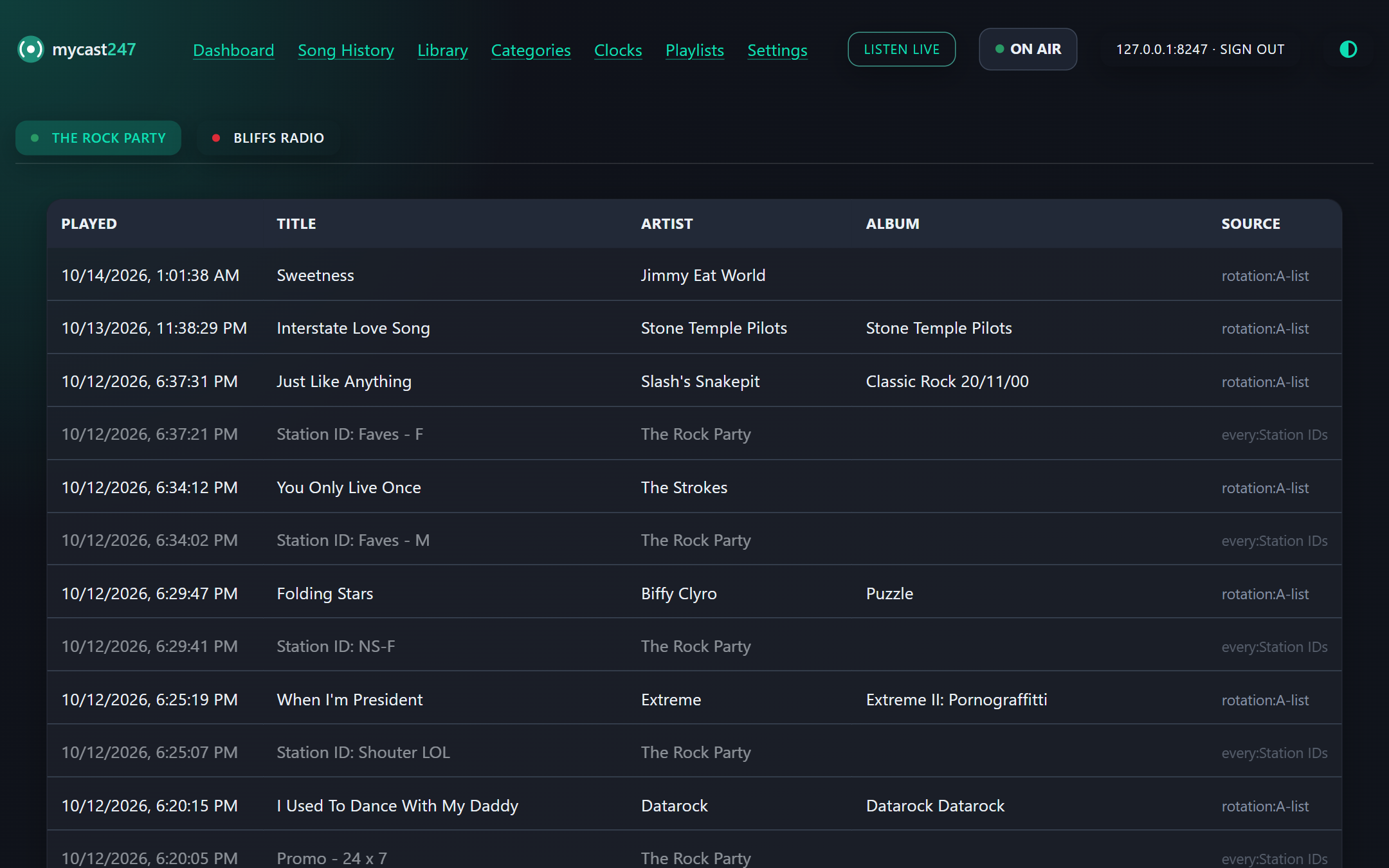
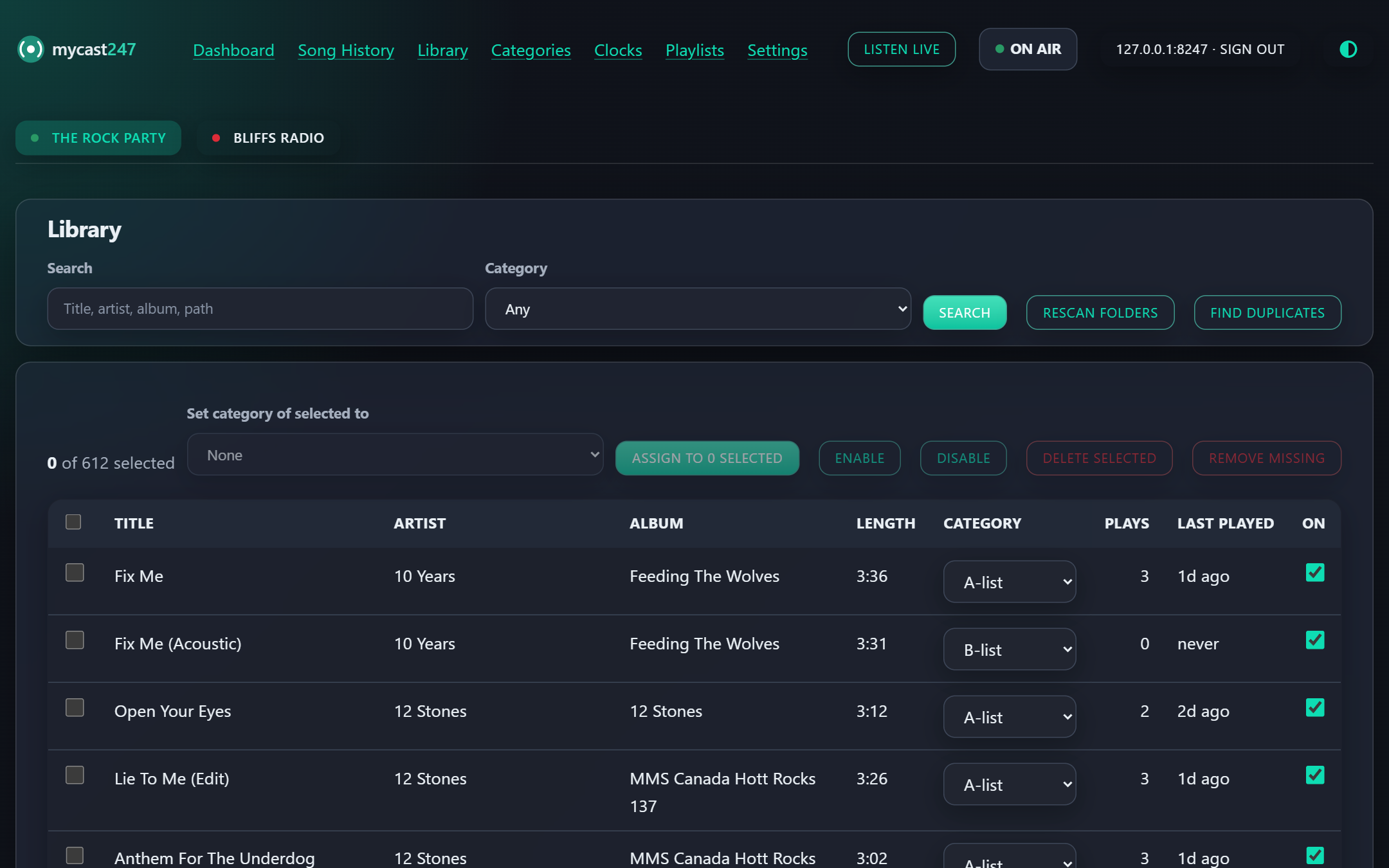
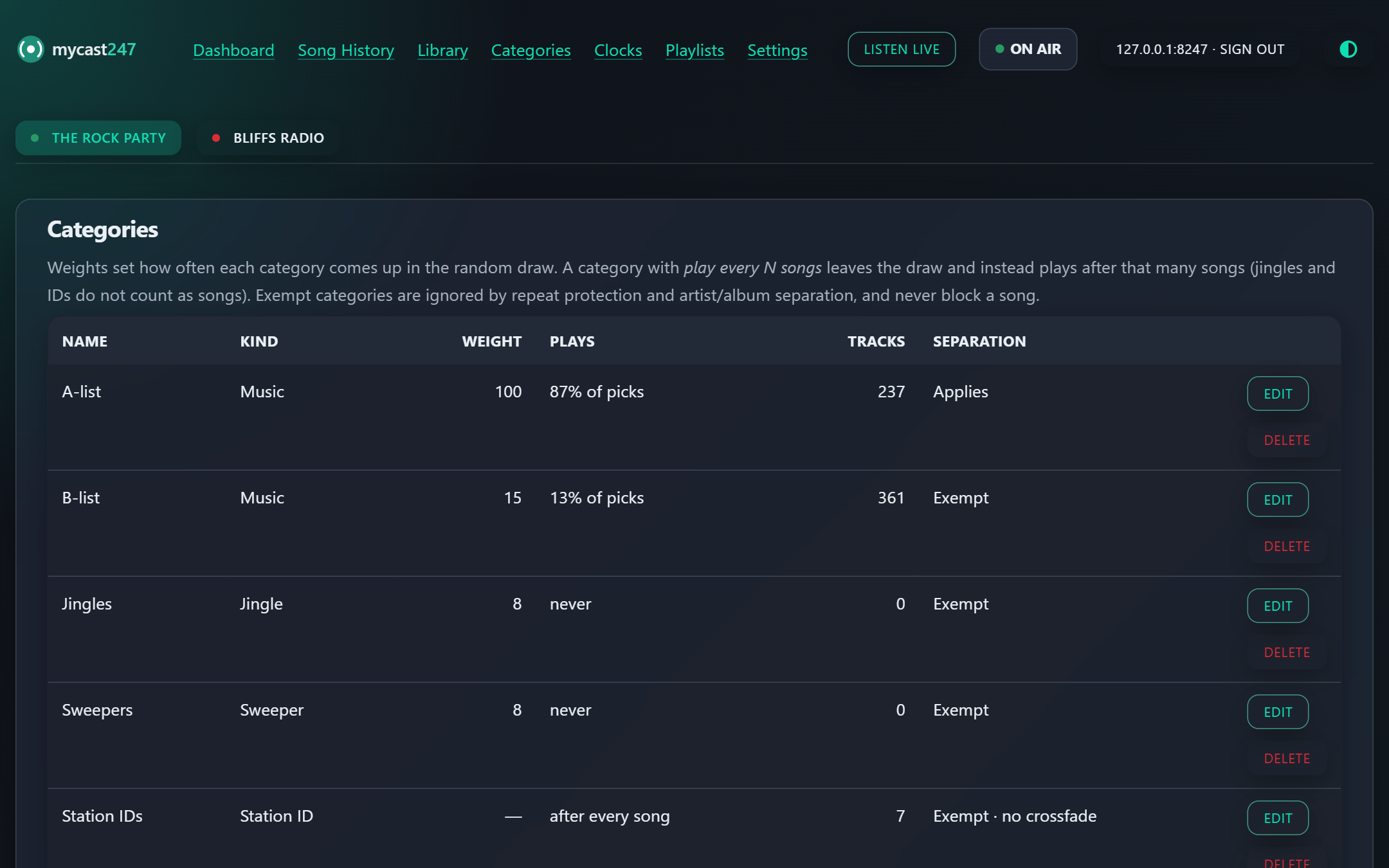
The same web UI works in a mobile browser, so you can check what played, queue a track or stop a stream from wherever you are.
Three pieces. The streamer does the playing; you manage it from wherever is convenient.
Playout engine, library scanner and scheduler. It reads your music from local folders, mixes and encodes with ffmpeg, and streams to Icecast. Runs on Windows or Linux.
On Windows, a window with the web UI plus a tray icon showing each stream's state, with start and stop from the menu. It can start the local streamer for you.
Connects to any mycast247 streamer by address. Use it inside the tray app, or host it anywhere to manage a remote streamer from any browser.
One edition, with everything included.
$ TBD
